Create your account
Register with your first vehicle registration, then verify your e-mail and sign in to unlock the full purchase and account experience.

Support hub
Find guidance on how to manage your vehicles, memberships, visits, weekly passes, pre-bookings, invoices, and more.
Start typing to search answers instantly.
SPT ParkEasy is built around ANPR access, saved vehicles, and product-specific parking journeys. Most customers move through the same four steps below.
Register with your first vehicle registration, then verify your e-mail and sign in to unlock the full purchase and account experience.
Add extra vehicles, keep make, model, and colour up to date, and choose the correct registration whenever a product is tied to a saved vehicle.
Select from Membership, Pay Per Visit, Weekly Pass, or Pre-Booking depending on whether you need recurring access, prepaid visits, short-term unlimited access, or a date-range reservation.
Review subscriptions, track orders, print invoices, check status, reactivate memberships, and keep every parking arrangement tied to the right registration.
Each product works differently, so choosing the right one depends on how often the vehicle needs access and how fixed the travel plans are.
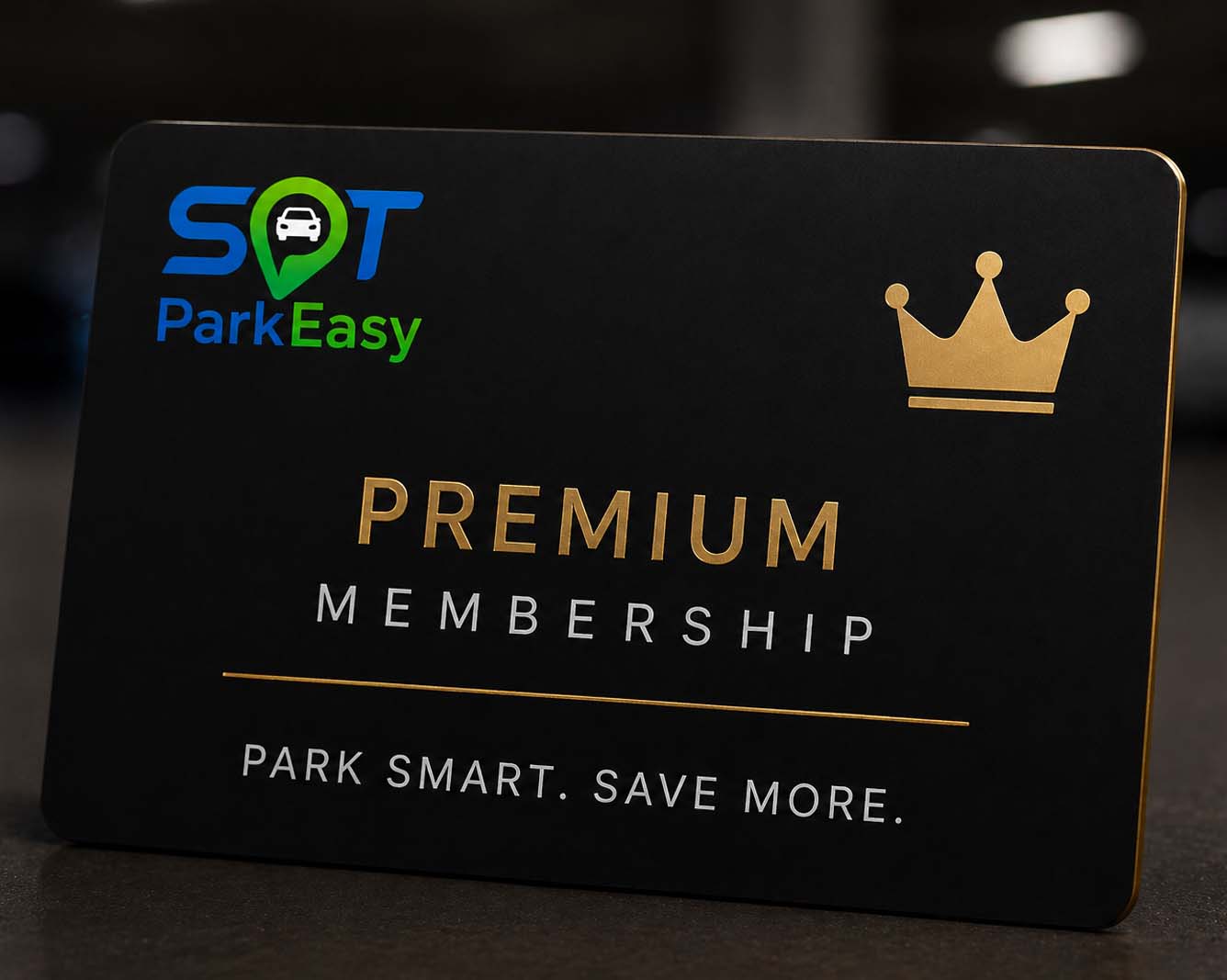
Best for regular users who need discounted unlimited access linked to one saved vehicle. Memberships renew automatically and show full status and renewal information inside Subscriptions.
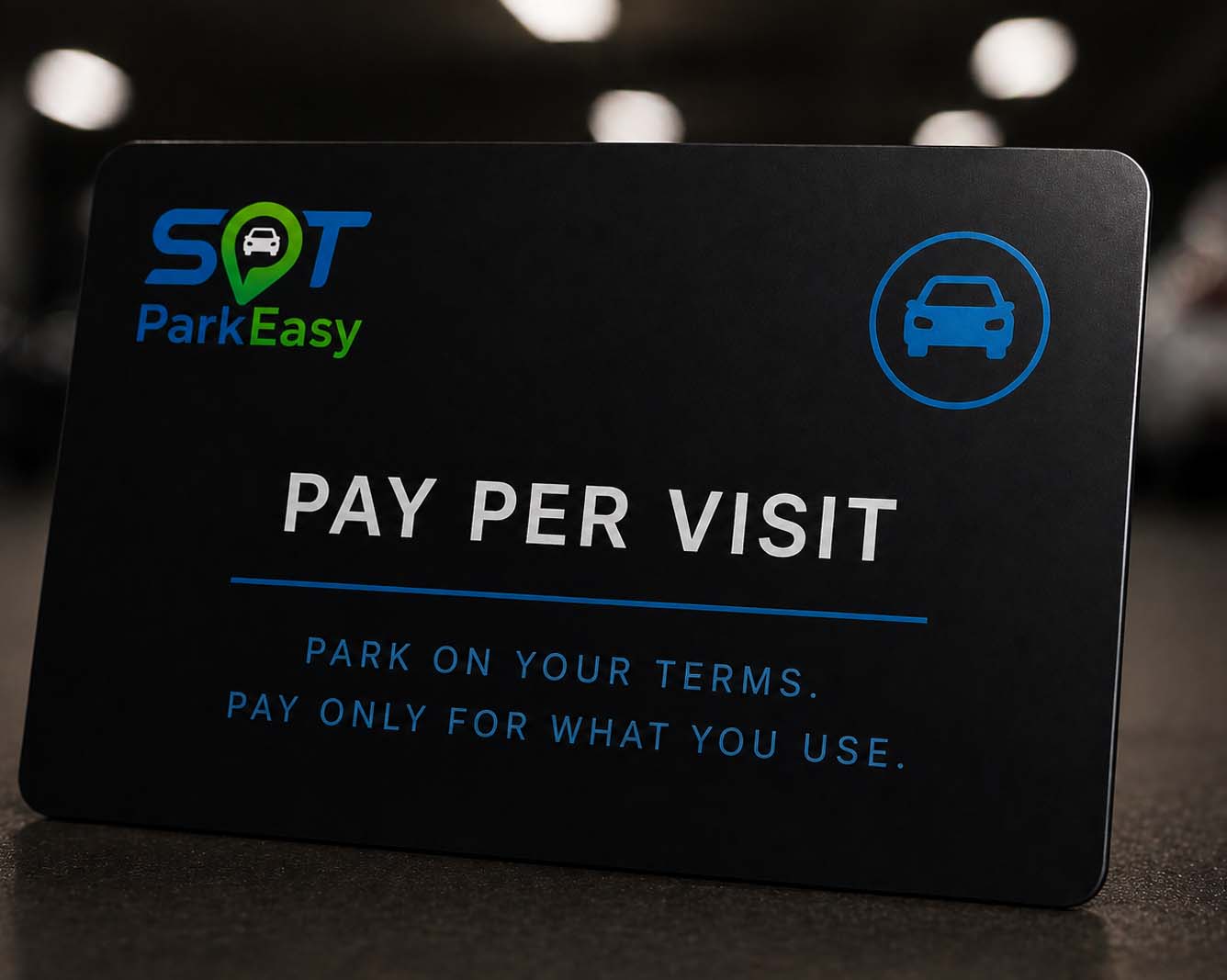
Best for flexible parking without a recurring subscription. Customers prepay visit balance online, and one visit is deducted each time the vehicle enters and exits the car park.
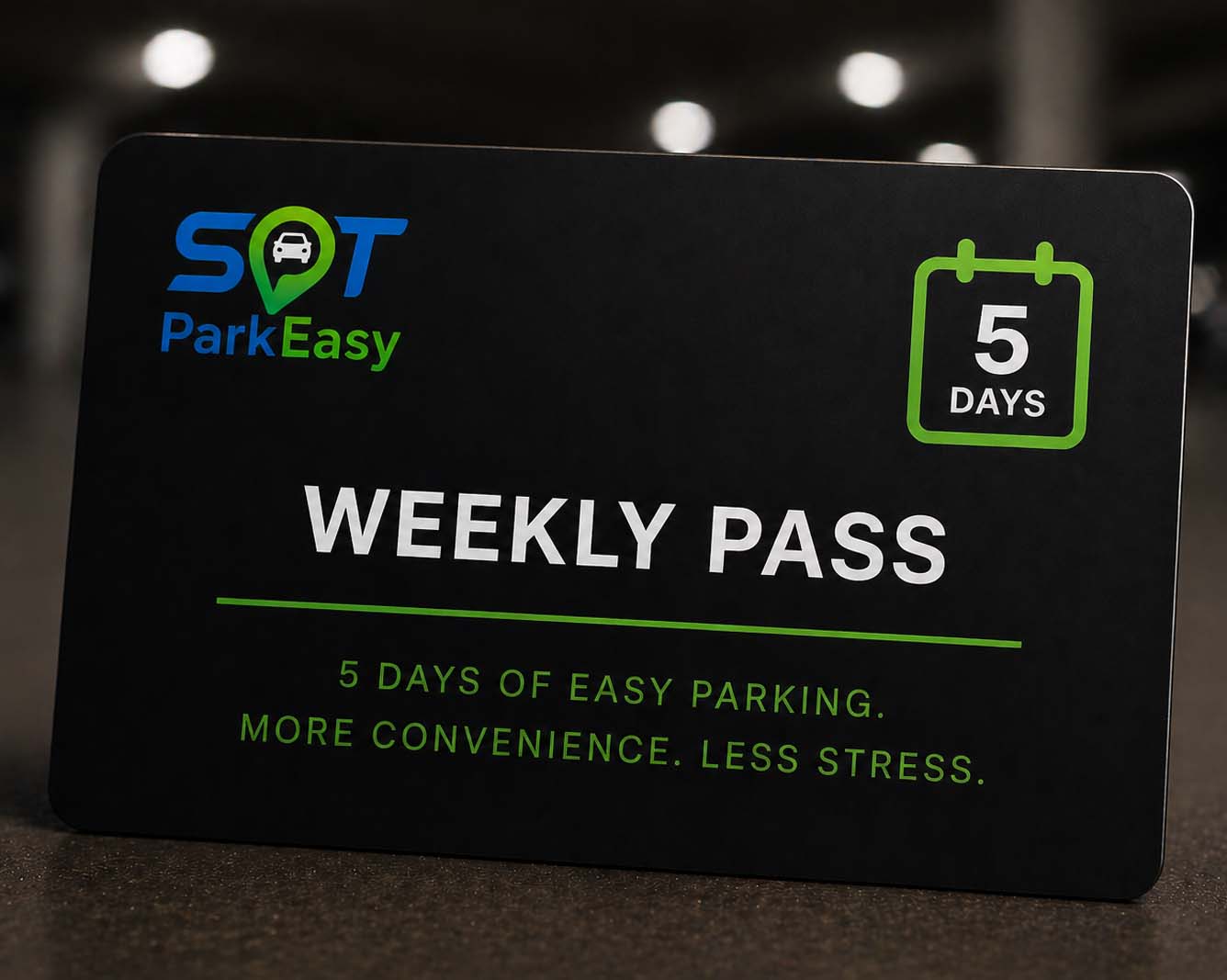
Best for short periods of frequent parking. Weekly passes give unlimited access for five or seven consecutive days starting from the day of purchase.
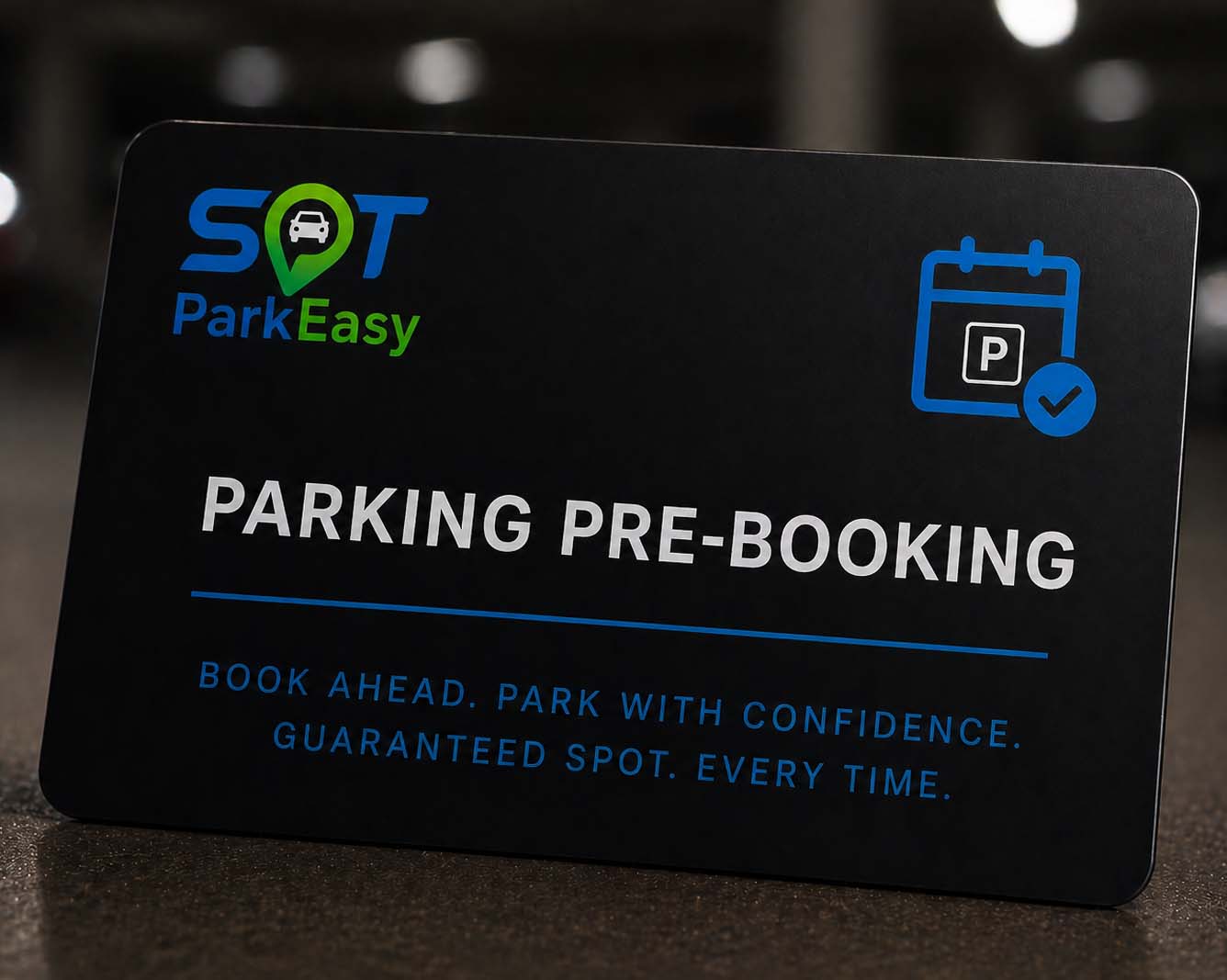
Best for planned stays or trips. Pre-Booking reserves access for a selected date range and uses the registration entered directly into the booking form, even if that plate is not already saved on the account.
If the answer is not here, use the Contact us option and our team can help with account access, product questions, parking setup, or operator enquiries.
Secure account access
Log in to continue with your ANPR parking purchase.
Partner With SPT ParkEasy
Tell us a little about your car park and our team will get in touch to discuss a tailored ANPR rollout.
Support request
Use the form below to send your account or parking query to our support team.
Please log in to contact support so we can pre-fill your account and vehicle details correctly.